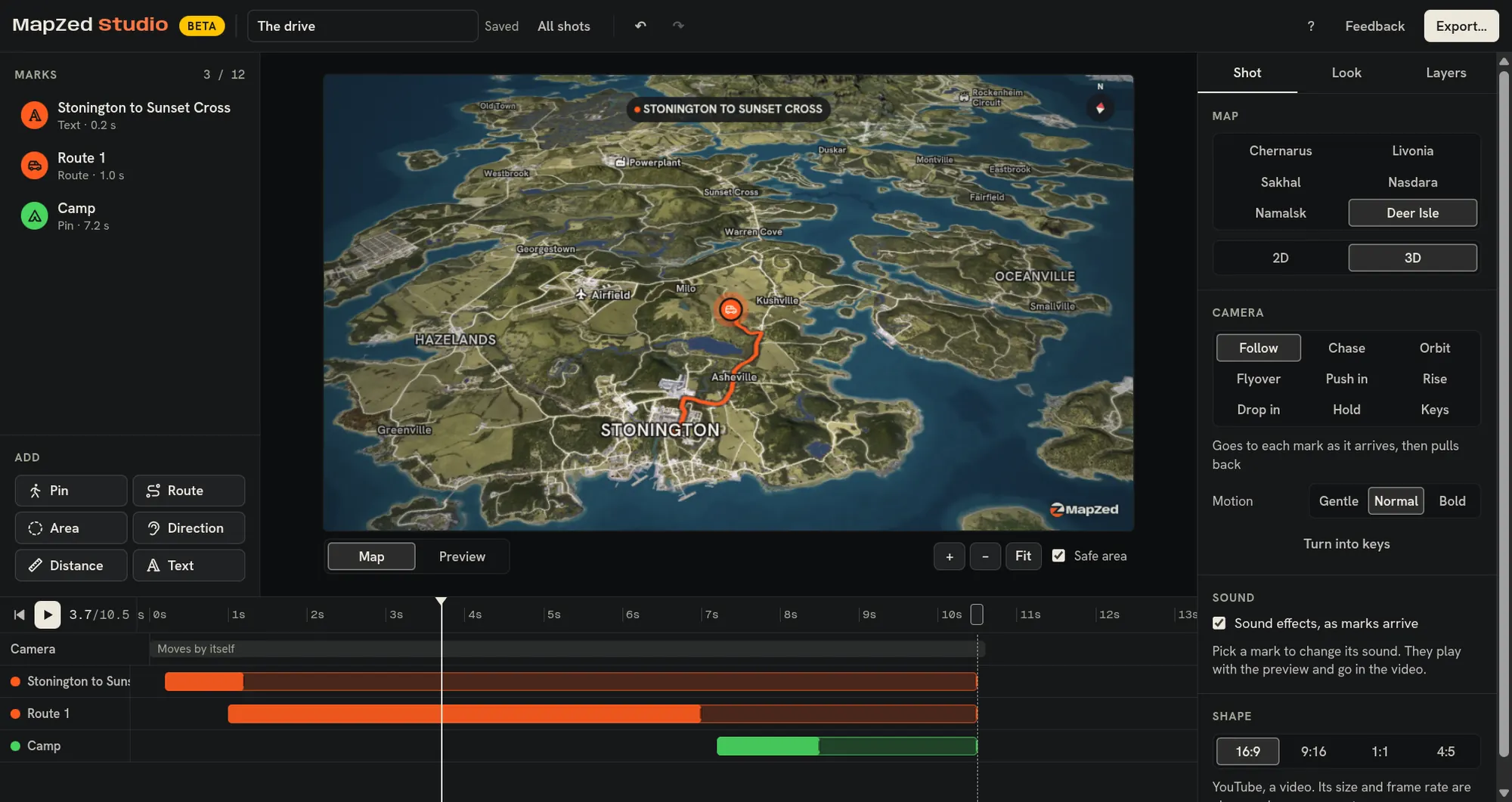
Show the way you drove.
Click where you set off and where you ended up, and the route draws itself along the roads with a car riding it. In 3D, Chase sits right behind the car, looking where it's going, and the engine runs until it gets there.
MapZed Studio · for DayZ videos
Pins, routes and areas arrive one at a time while the camera moves between them, on our own maps, flat or in 3D. Watch it play, export an MP4 and drop it into your edit.
It’s free during the open beta, and you sign in with Discord.
Click where you set off and where you ended up, and the route draws itself along the roads with a car riding it. In 3D, Chase sits right behind the car, looking where it's going, and the engine runs until it gets there.
A pin for where you were, a wedge for where it came from, a soft circle for somewhere around there, and how far away that was. They arrive one after another, when you say, on a timeline you drag about like any video editor’s.
Each makes its own sound as it lands. Pick another, or none if you'd rather lay your own under it.
16:9 for YouTube, 9:16 for Shorts, TikTok and Reels, 1:1 and 4:5 for posts, with a guide to where the apps put their buttons. Marks and words stay the same size in every shape, and you can make marks larger for clips watched on a phone.
Clips on Chernarus, Livonia, Sakhal and Nasdara are yours to use in any video, earning from it or not. Namalsk and Deer Isle are community maps, and clips of them follow their makers' terms: some don't allow earning money from them. MapZed's logo stays in the corner. Start from a template or a blank map, and your shots stay with your sign-in, so they're there on any computer. It needs a computer, not a phone.